JA2 Reborn

A fully modernized Jagged Alliance 2 Stracciatella experience, specially designed for Android touch mobile devices.

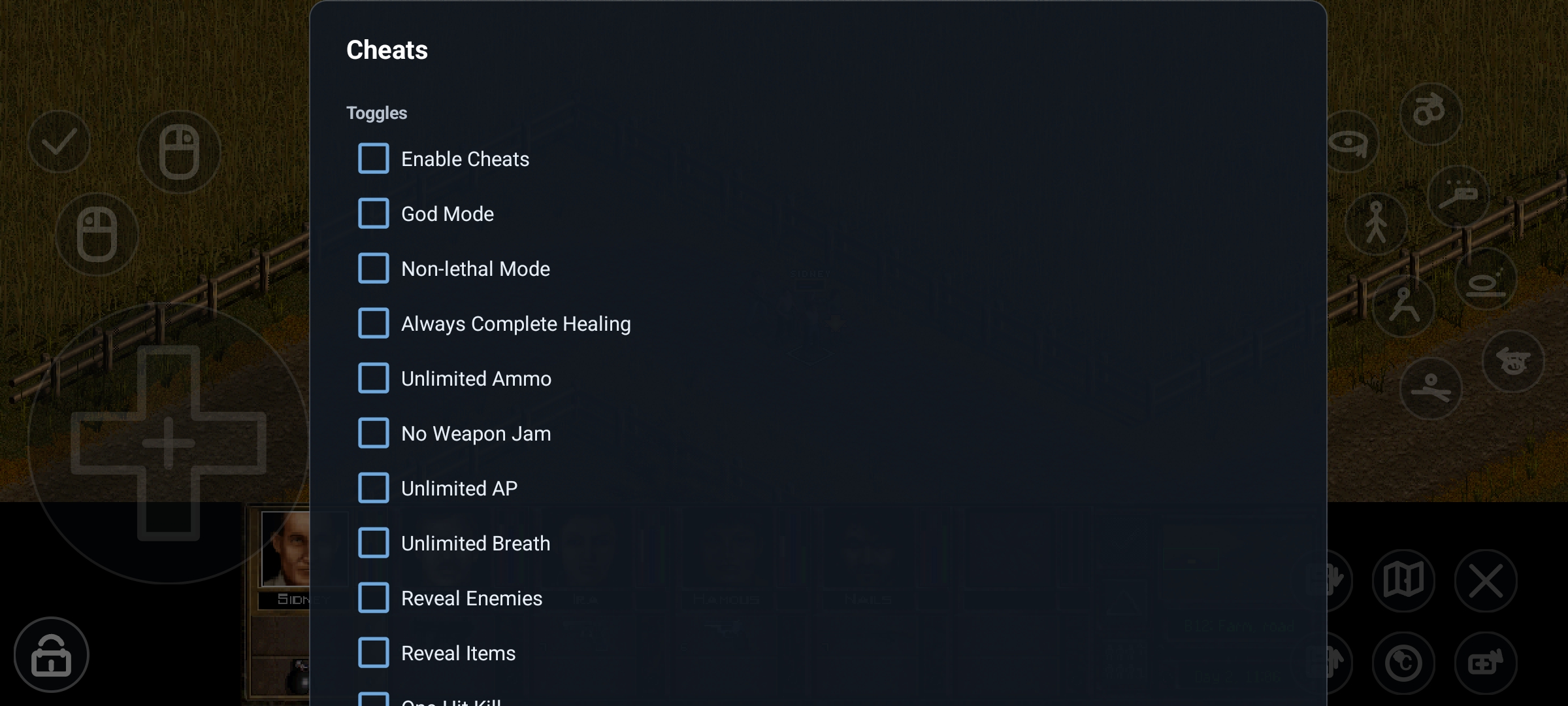
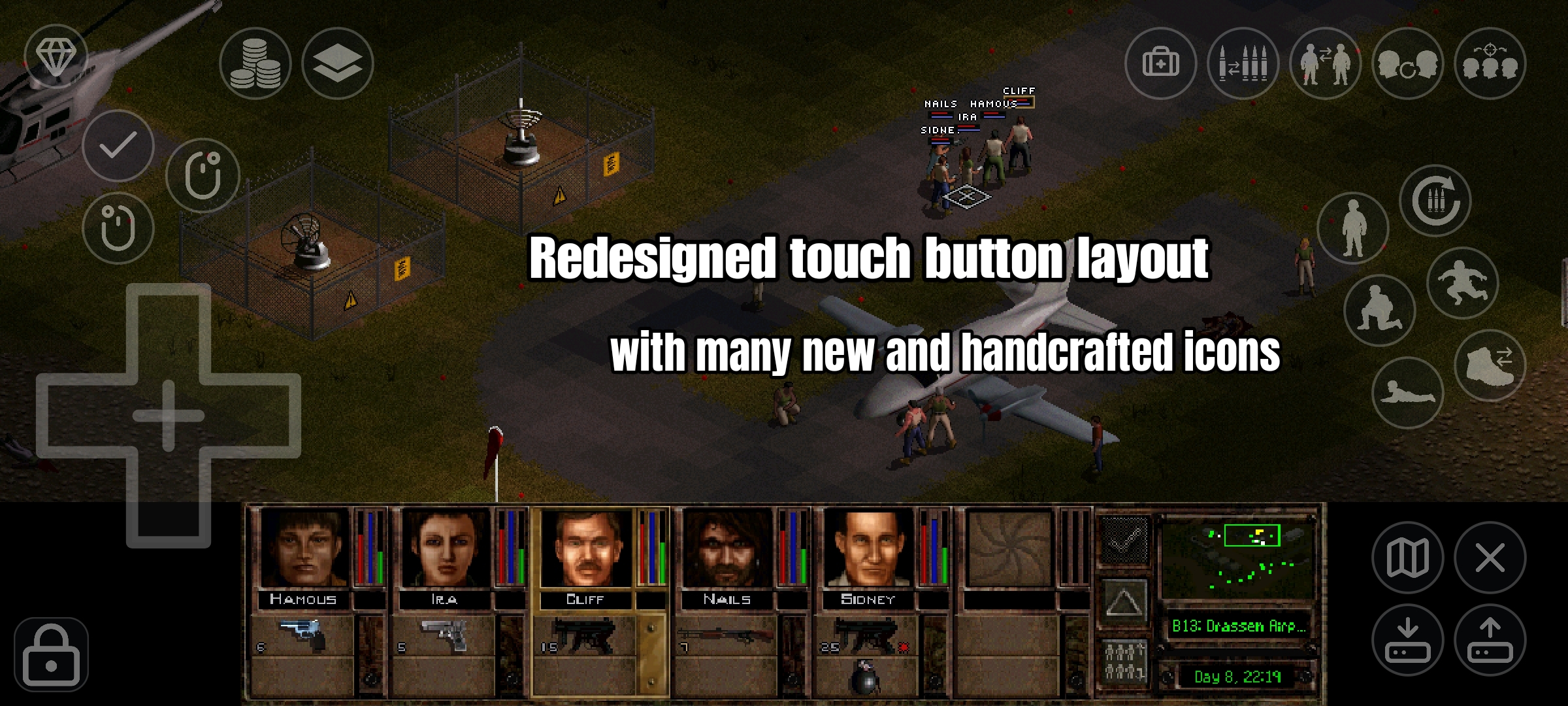
Supports Android up to 16+ Dynamic and precise Touch UI Customizable Buttons: Tailored for JA2 Control Preset Import and Export Integrated on-the-fly Cheat Menu
How to Install

You need to own a copy of Jagged Alliance 2 (v1.0 – v1.12). JA2 Reborn does not provide any game files.

1

Create a new game directory on your device

Create a folder on your Android device where JA2 Reborn will read the game data from, e.g. /sdcard/games/jaggedalliance2.

2

Copy the game data

Copy the data folder of your Jagged Alliance 2 installation into this directory, so you end up with /sdcard/games/jaggedalliance2/data.

3

Pick the directory and choose your language

Select the game directory within the start launcher and choose the correct language of your game files.

4

Supported languages

Game files: English, German, French, Italian, Spanish, Russian, Polish, Simplified Chinese, and Dutch.

Reborn UI: English and German.

5

Unsupported add-ons and total conversions

JA2 Reborn targets the original Jagged Alliance 2 data. Unfinished Business, Wildfire, JA2 1.13, and other standalone or heavily modified JA2 data sets are not supported.

Update Changelog

JA2 Reborn 1.0.3 focuses on safer Android display defaults, better widescreen presentation, improved touch behavior, and more useful crash diagnostics.

Version 1.0.3 View release on GitHub

Highlights

  • New launcher resolution presets: Modern for the recommended readable UI, High Res (More Map) for more tactical map area with a smaller UI, and Retro for fixed classic 640x480 mode.
  • Expert Settings now gate manual resolution, scaling, and legacy control mode choices.
  • Menus, splash screens, videos, and map screens are presented in a centered 4:3 area so they are no longer stretched on wide displays.
  • High Res mode supports larger action panel defaults for phones.
  • Retro touch mapping was corrected for bottom-panel controls and merc portrait selection.
  • Crash reports now include crashlog-latest.txt next to the emergency savegame when possible.

If you enjoy JA2 Reborn, consider ☕ buying me a coffee.

Screenshots

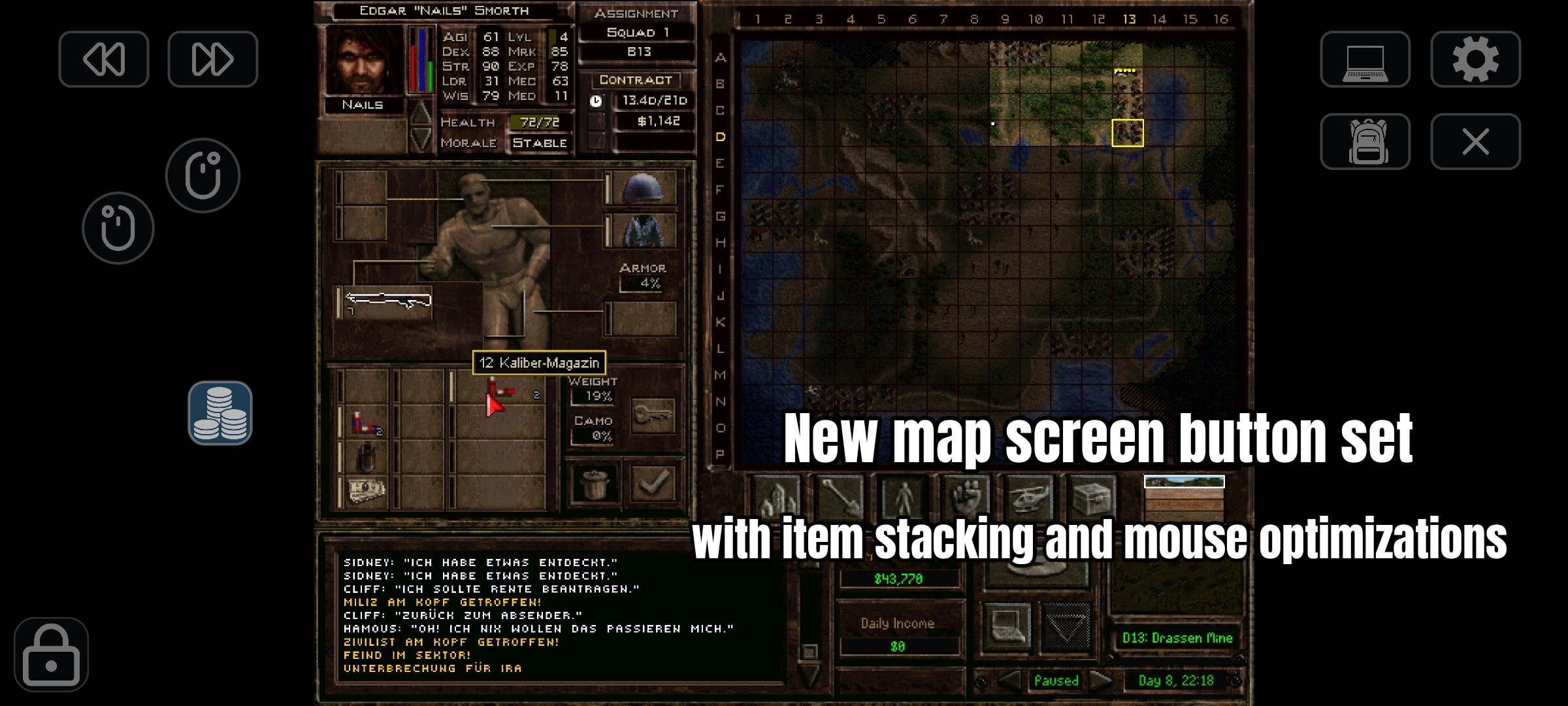
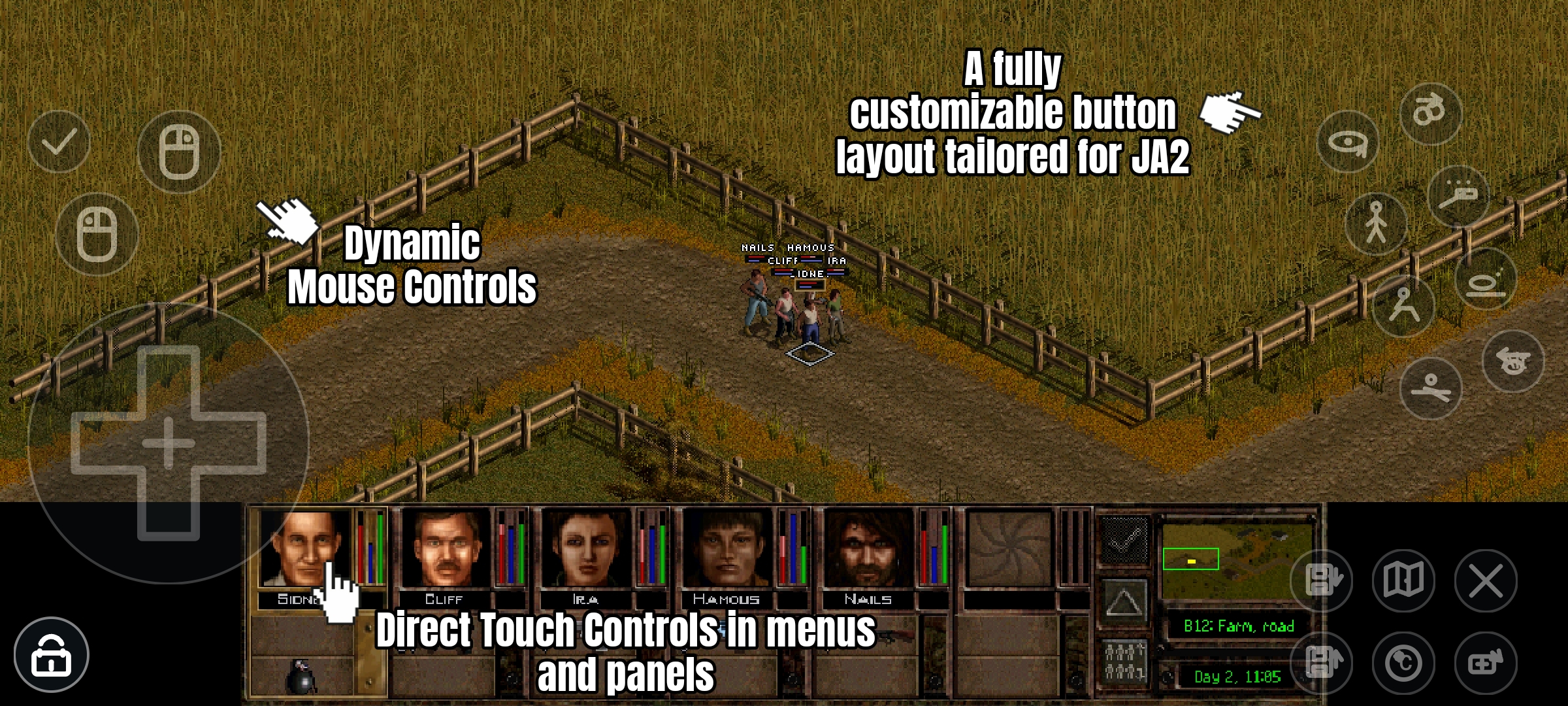
With JA2 Reborn, Jagged Alliance 2 feels like a native Android game.

Dynamic Touch Interface Dynamic Touch Interface
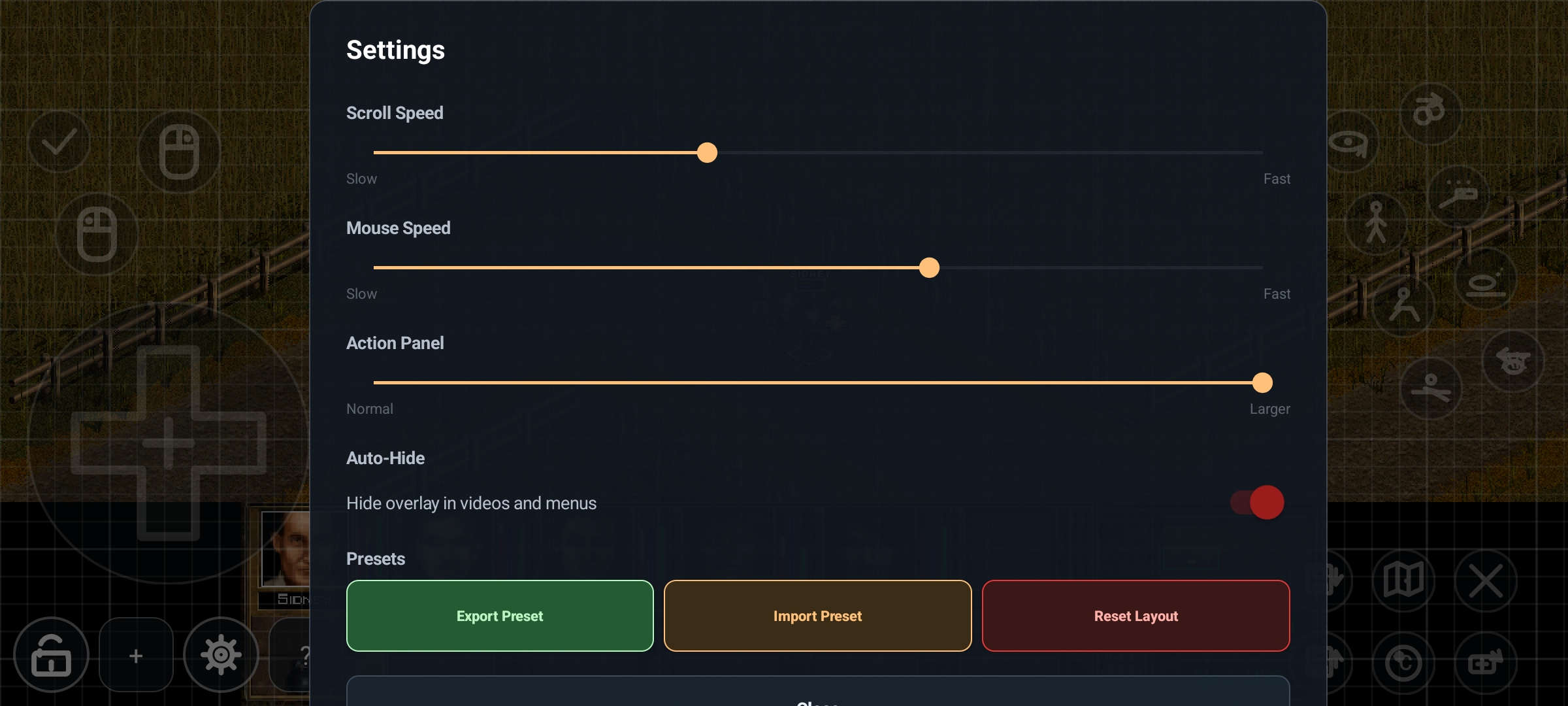
Extended Gameplay Settings Extended Gameplay Settings
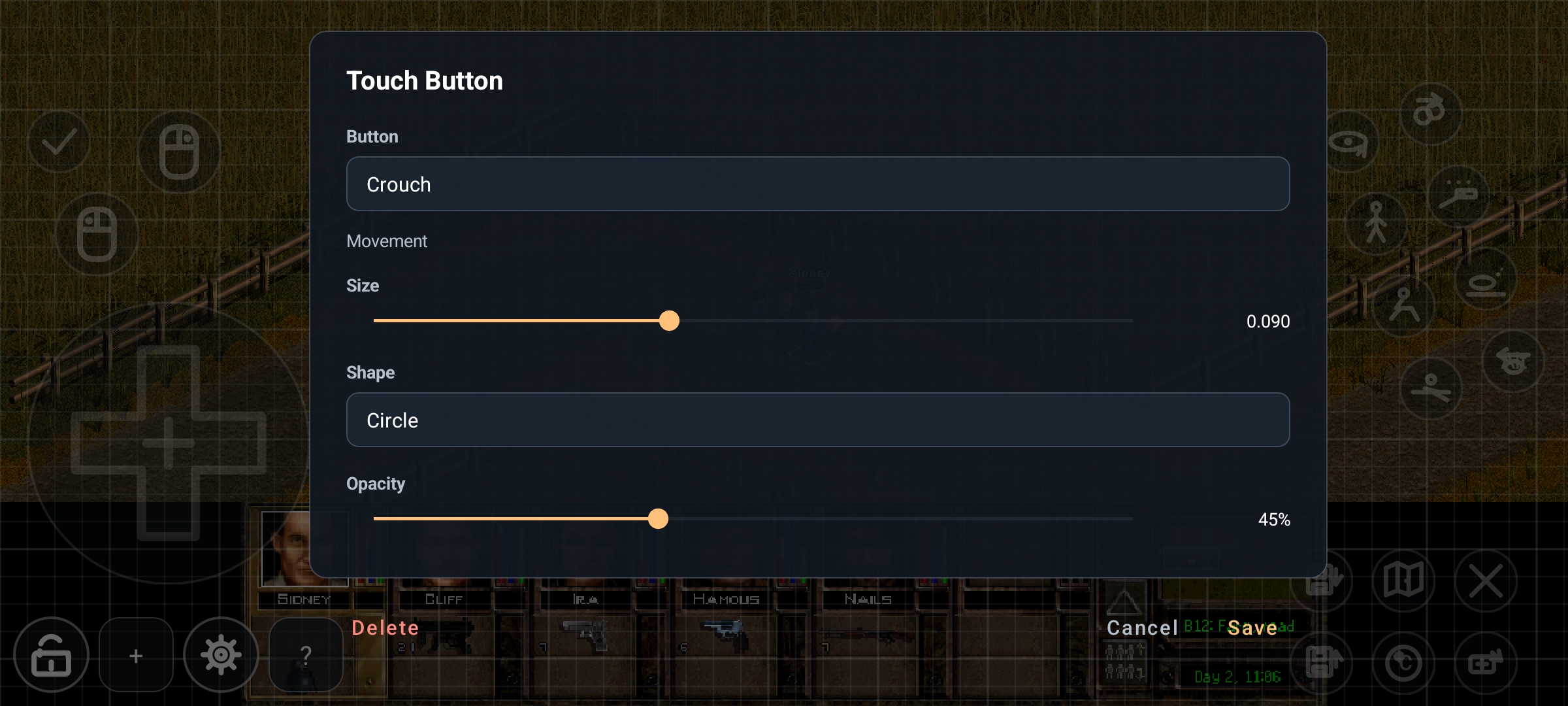
Customizable Button Layout Customizable Button Layout
Ingame Cheat Menu Ingame Cheat Menu